Adding components
A resistor
Circuits are, at their core, made of components, and our current shunt is no different.
Let’s start with adding just one resistor. To do this, we’ll use the Resistor
mobject.
class CurrentShunt(Scene):
    def construct(self) -> None:
        r = Resistor()

        self.add(r)
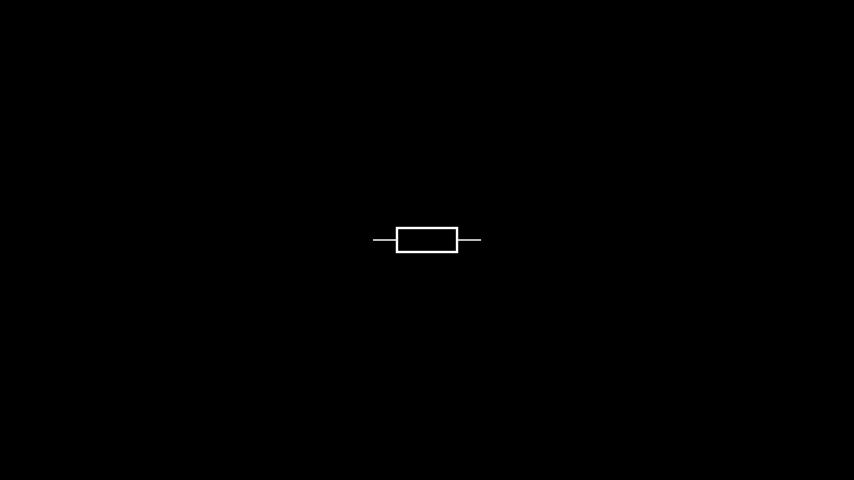
This gets us the visual below. If you’re confused as to why it’s a box and not a squiggle, it’s because I’m European, and therefore use (mostly) European circuit symbols.
In our target circuit, the resistor is vertical, so let’s quickly fix that.
class CurrentShunt(Scene):
    def construct(self) -> None:
        r = Resistor().rotate(90 * DEGREES)

        self.add(r)
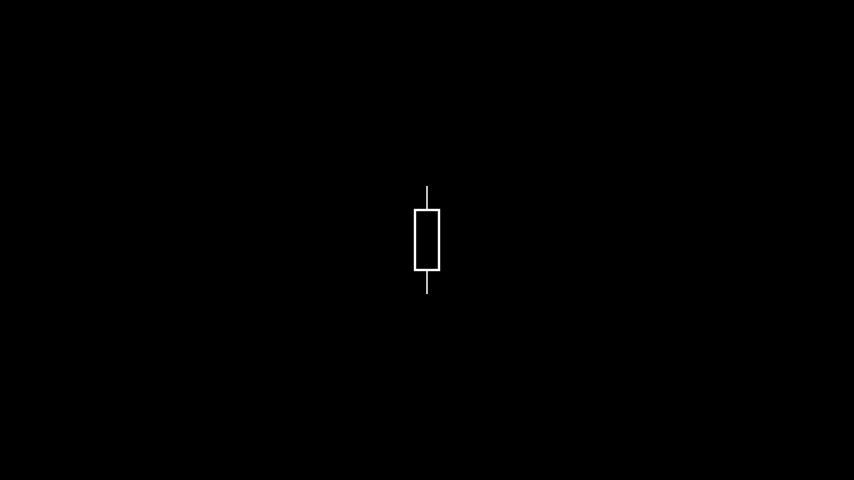
Much better!
The current source and other resistor
To add a current source we’ll use the aptly named CurrentSource mobject. We’ll
also add in the second resistor.
class CurrentShunt(Scene):
    def construct(self):
r1 = Resistor().rotate(90 * DEGREES)
r2 = Resistor().rotate(90 * DEGREES).shift(2 * RIGHT)
isource = CurrentSource().rotate(90 * DEGREES).shift(2 * LEFT)

self.add(r1, r2, isource)
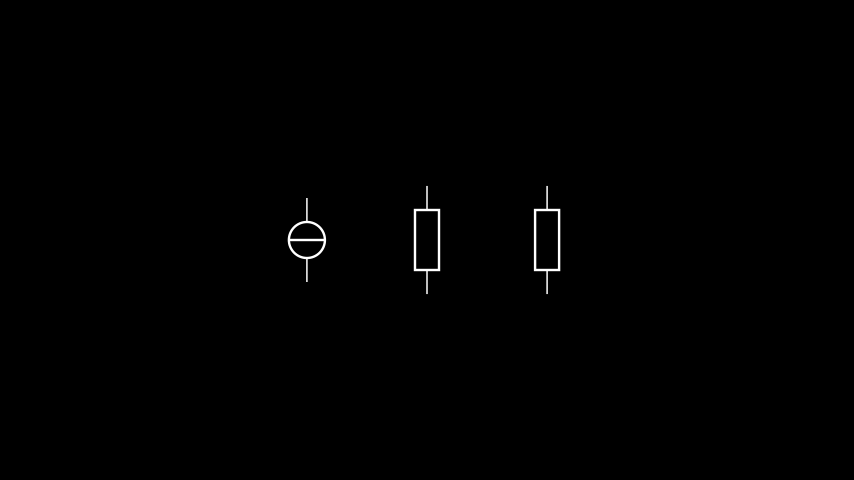
Note that the current source is again the European symbol.
Adding component labels
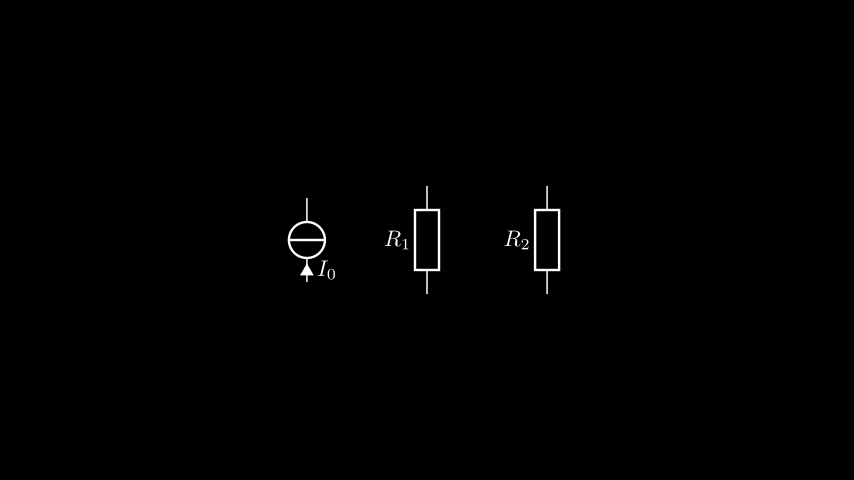
Let’s add some labels to our components. This is done using the
set_label() method for the resistors, and
set_current() to specify the current through the current source.
class CurrentShunt(Scene):
    def construct(self):
        r1 = Resistor().rotate(90 * DEGREES)
        r2 = Resistor().rotate(90 * DEGREES).shift(2 * RIGHT)
        isource = CurrentSource().rotate(90 * DEGREES).shift(2 * LEFT)

        r1.set_label("R_1")
        r2.set_label("R_2")
        isource.set_current("I_0")

        self.add(r1, r2, isource)
Note
We could have used set_label() on the current source as well, but
then we wouldn’t know which direction the current was flowing in.
Well this doesn’t look bad, but we’re missing the other important part of a circuit — the wires. Read on!